
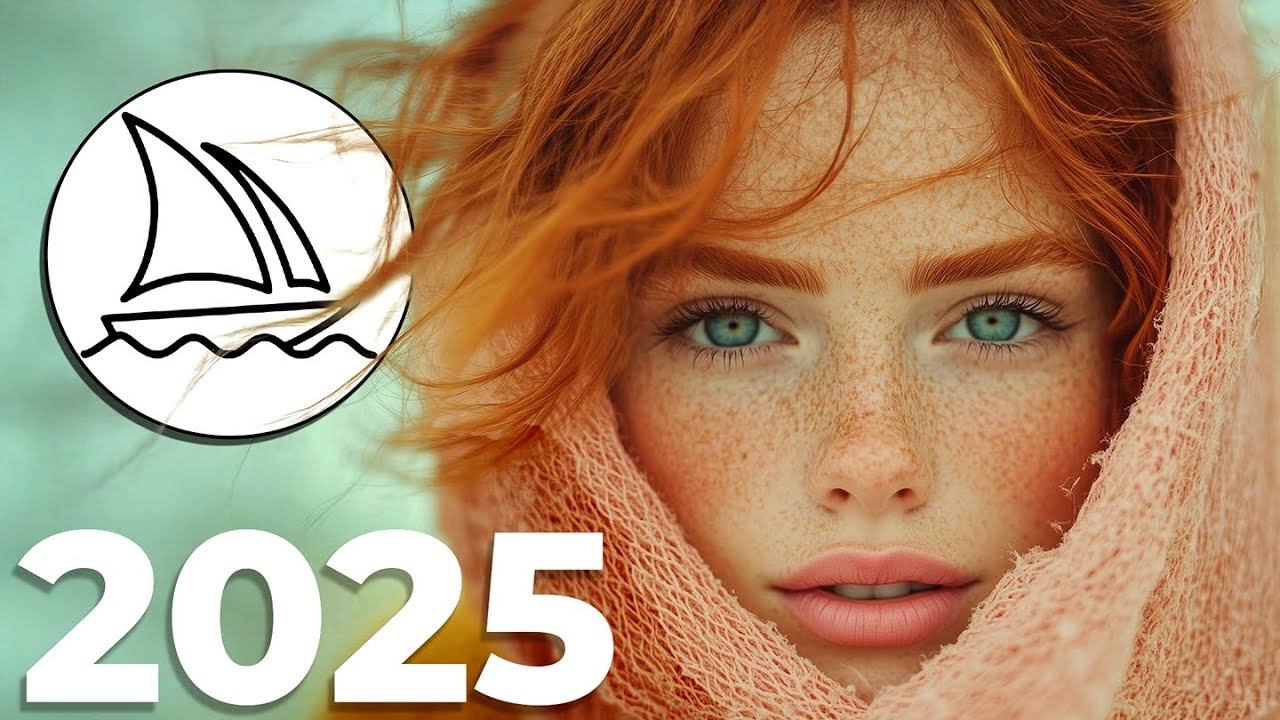
What is Midjourney?
Midjourney is the leading AI image generator for designers, creators, and marketers. It runs via Discord and a web interface, producing editorial-quality images from text prompts.
Getting Started
- Join Discord or use midjourney.com
- Subscribe: Basic ($10/mo), Standard ($30/mo), or Pro ($60/mo)
- Generate: Use /imagine followed by your prompt
Prompt Structure
A good Midjourney prompt follows this pattern: Subject + Style + Lighting + Camera + Parameters
Example: "A cyberpunk street market at night, neon lights reflecting on wet pavement, cinematic lighting, wide angle lens --ar 16:9 --v 6.1"
Key Parameters
- --ar: Aspect ratio (16:9, 1:1, 9:16)
- --v: Model version (6.1 is latest)
- --style raw: Less stylized, more photographic
- --cref: Character reference for consistency
- --sref: Style reference to match an aesthetic
Use Cases
- Social media content and ads
- Product mockups and concepts
- Book and album covers
- Brand visual identity exploration
Pro Tips
- Use /describe to reverse-engineer prompts from images
- Combine --cref with --sref for brand consistency
- Use vary region for targeted edits
- Generate in batches for A/B testing