
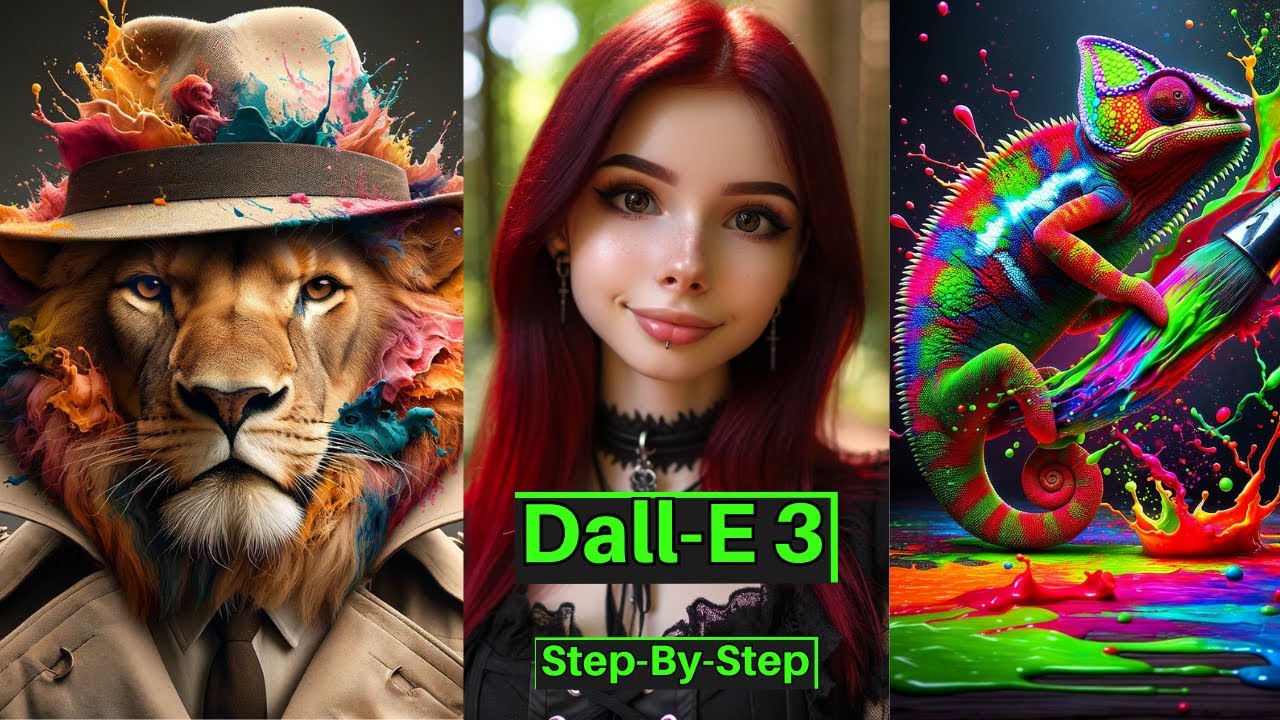
What is DALL-E 3?
DALL-E 3 is OpenAI's image generation model, deeply integrated into ChatGPT. Unlike standalone tools, you can iterate on images through natural conversation.
Getting Started
- Access via ChatGPT: Any ChatGPT Plus or Team subscription
- Or use the API: For programmatic generation
- Describe your image: Be detailed about subject, style, composition
Prompting Techniques
Structure
Subject + Setting + Style + Lighting + Composition
Example: "A cozy bookshop interior at golden hour, watercolor illustration style, warm ambient lighting, wide establishing shot"
Style Keywords
- Photorealistic, cinematic, editorial photography
- Watercolor, oil painting, digital illustration
- Minimalist, flat design, isometric
- Vintage, retro, film grain
Editing and Iteration
DALL-E 3 in ChatGPT supports conversational iteration:
- "Make the sky more dramatic"
- "Change the color palette to warm tones"
- "Add a person walking in the foreground"
Use Cases
- Social media graphics and thumbnails
- Blog post illustrations
- Product mockups
- Presentation visuals
- Creative brainstorming
Pro Tips
- Use ChatGPT to refine prompts before generating
- Specify what you do NOT want in the image
- Use the API for batch generation in content pipelines
- Combine with inpainting for precise edits